Restaurant Management Software

Restaurant Management Software for Smarter, Connected Operations

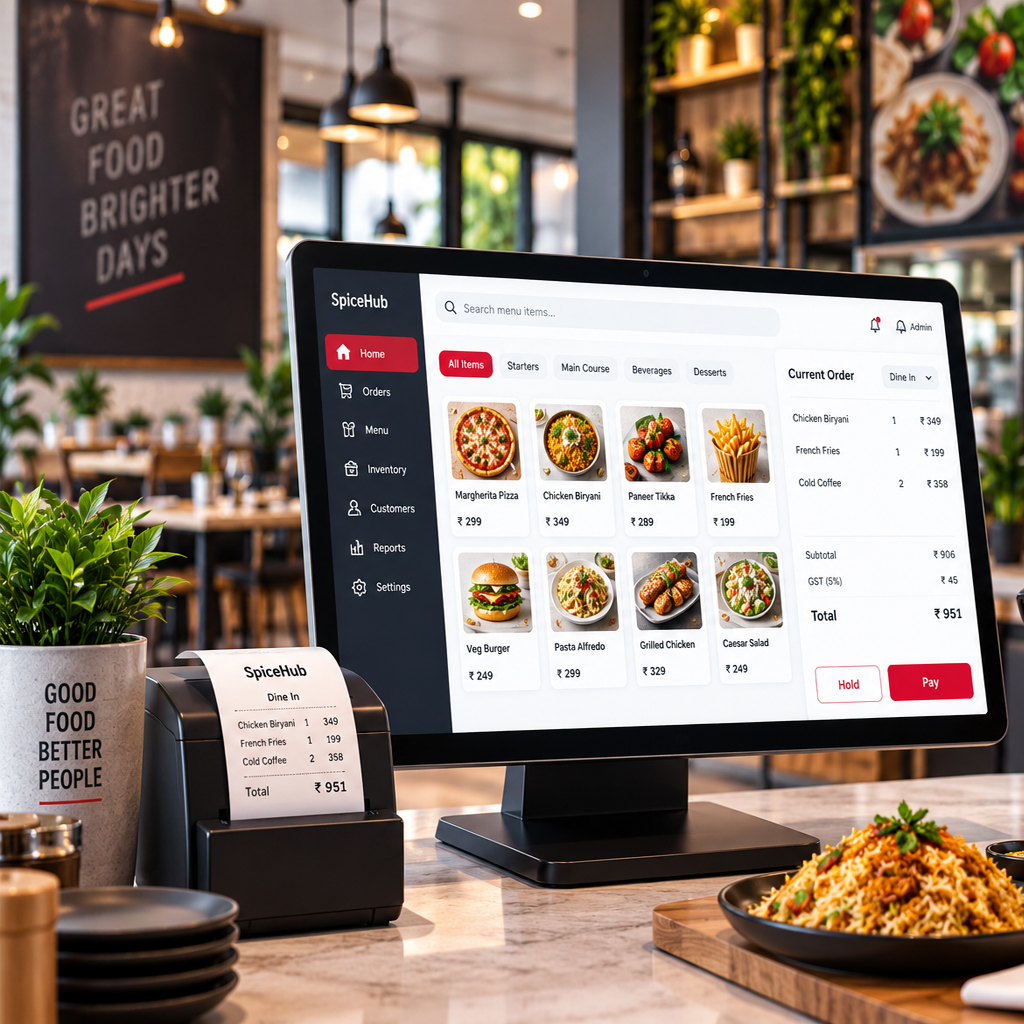
Run your restaurant with one connected platform for POS, billing, inventory, recipes, kitchen operations and online ordering. uBooks360 brings ERP, POS and Ecommerce together so your front-of-house, kitchen and back-office operations stay connected.

One connected platform for restaurants, QSRs, cafe's, cloud kitchens and growing food businesses.

Talk to our Retail POS Experts

Run Your Restaurant From One Connected Platform

Restaurant operations move fast. Orders come from different channels, ingredients are constantly consumed, kitchens need accurate information, and managers need visibility into what is happening across the business.

uBooks360 connects the systems that keep your restaurant running - from order taking and billing to kitchen operations, inventory, recipes, online ordering and business reporting.
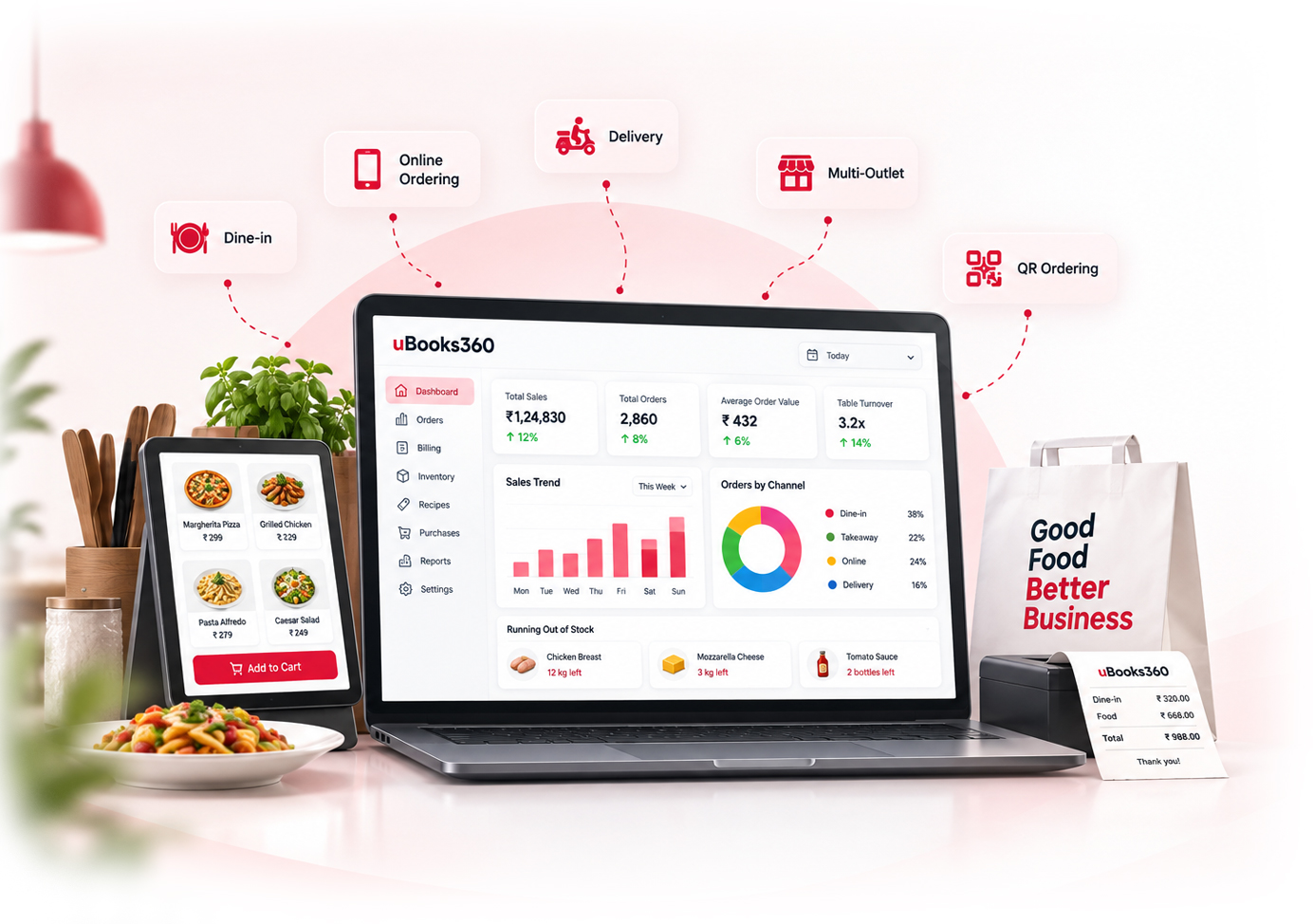
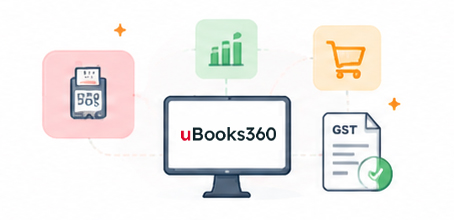
One-Connected-Platform
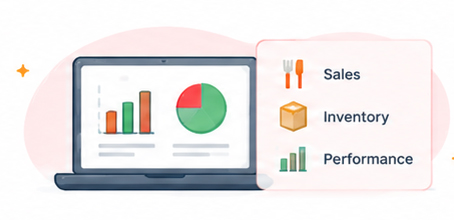
Sales-Performance
Order

Capture dine-in, takeaway, counter and online orders.
Billing
Bill

Process orders and billing quickly through POS.

Prepare
Prepare

Connect orders with kitchen and KDS workflows.
Consume
Consume

Connect recipes and sales with ingredient consumption.
Control
Control

Track inventory, procurement and operational costs.

Analyze
Analyze

Use connected business data to understand sales, products and outlet performance.

Everything Your Restaurant Needs to Operate and Grow

uBooks360 brings ERP, POS and Ecommerce together to create a connected restaurant management platform.

  • uBooks ERP

    Manage the business behind your restaurant with connected inventory, ingredients, recipes, procurement, costs and business operations.
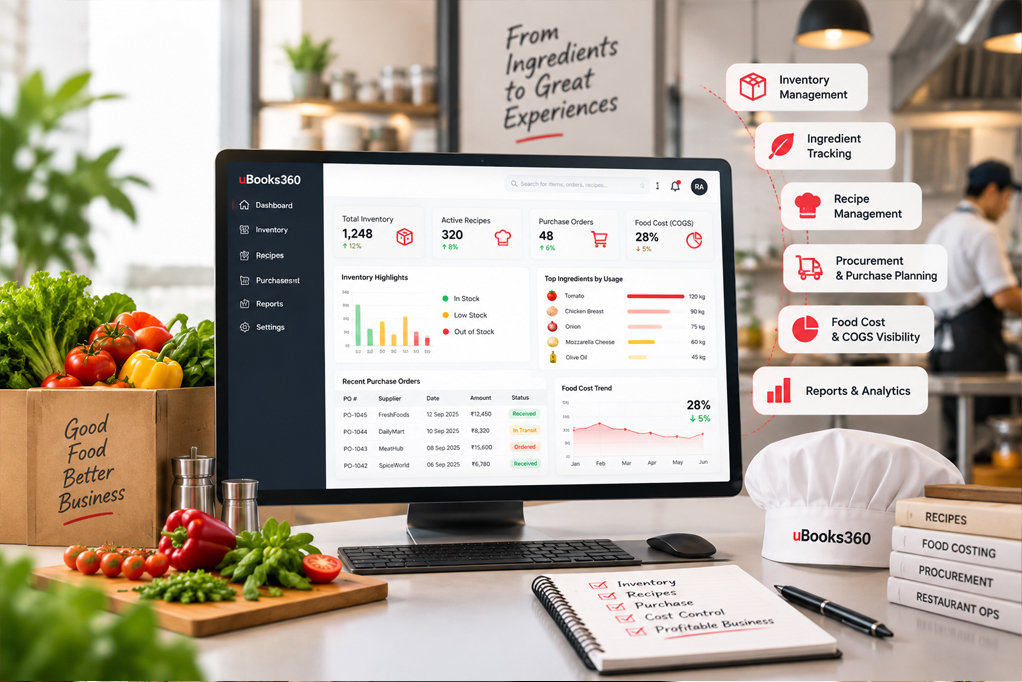
    • Inventory management
    • Ingredient tracking
    • Recipe management
    • Recipe-based stock consumption
    • Procurement and purchase planning
    • Food cost and COGS visibility
    • Business management
    • Reporting and analytics
    • Role-based access
    uBooks-ERP
  • uPOS

    Keep orders and billing moving quickly across dine-in, takeaway and counter operations.
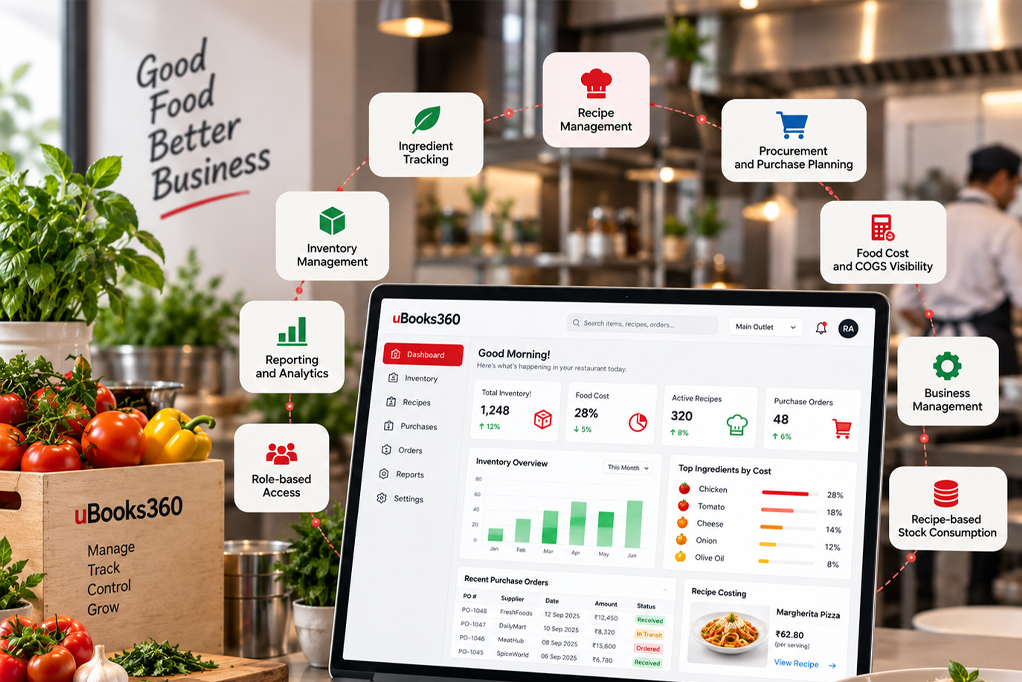
    • Restaurant POS billing
    • Dine-in orders
    • Takeaway orders
    • Counter orders
    • Payment processing
    • Order management
    • KDS integration
    • Customer management
    • Sales reporting
    uPOS-Visual
  • Ecommerce

    Take your restaurant business online and connect online ordering with your broader restaurant operations.
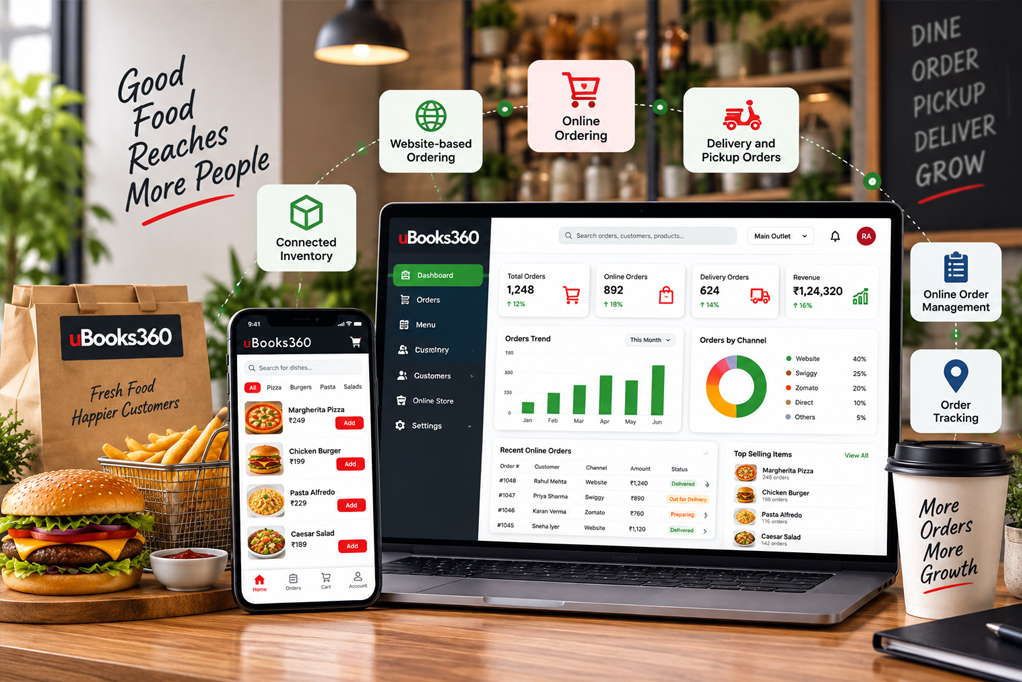
    • Online ordering
    • Website-based ordering
    • Delivery and pickup orders
    • Online order management
    • Order tracking
    • Connected inventory
    ecommerce

Fast Restaurant POS for Every Order

When your restaurant gets busy, your POS needs to keep up. uPOS helps your team manage orders and billing across dine-in, takeaway and counter operations while keeping restaurant transactions connected with the wider uBooks360 ecosystem.
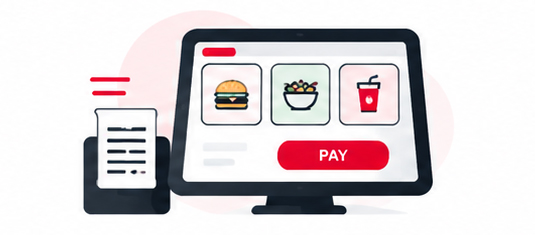
  • Bill-Faster

    Bill Faster

    Process restaurant orders quickly and keep billing moving during busy periods.
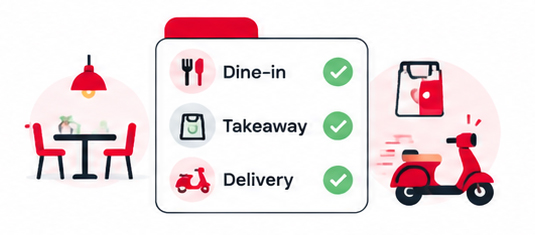
  • Manage-Every-Order-Mode

    Manage Every Order Mode

    Handle dine-in, takeaway and counter orders through the same POS.
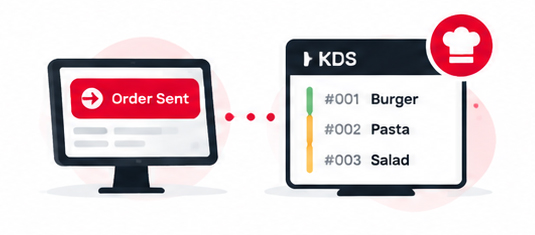
  • Connect-POS-With-Kitchen

    Connect POS With Kitchen Operations

    Send order information into kitchen workflows through KDS integration.
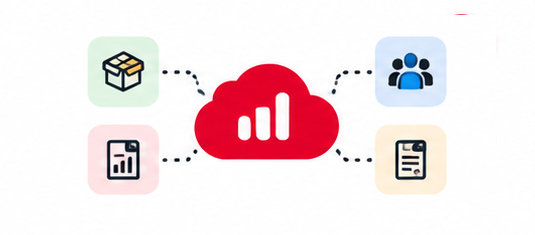
  • Keep-Business-Data-Connected

    Keep Business Data Connected

    Connect sales and order information with inventory, customer and reporting workflows.
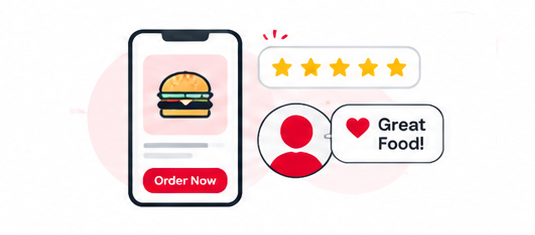
  • Support-Better-Customer

    Support Better Customer Experience

    Give your team the tools to process orders and serve customers efficiently.

Restaurant Billing Software Built for Faster Service

Billing is one of the most visible parts of the restaurant experience. uBooks360 helps your team manage restaurant billing as part of the complete order workflow - from order capture to payment.
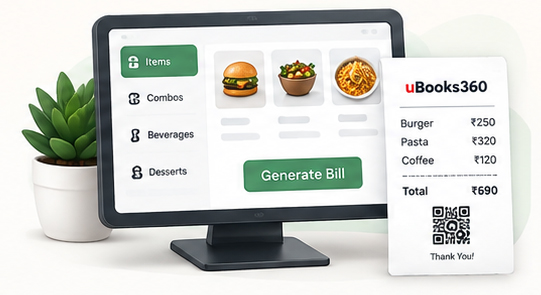
  • Fast-Billing

    Fast Billing

    Process bills efficiently, especially during busy service periods.
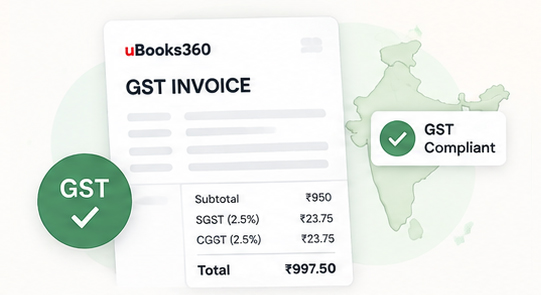
  • GST-Billing

    GST Billing

    Manage GST-supported restaurant billing as part of your POS workflow.
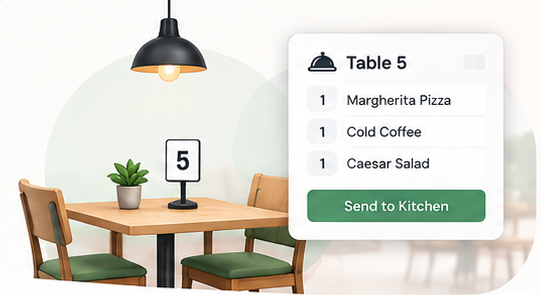
  • Dine-In-Billing

    Dine-In Billing

    Manage orders and billing for customers dining at your restaurant.
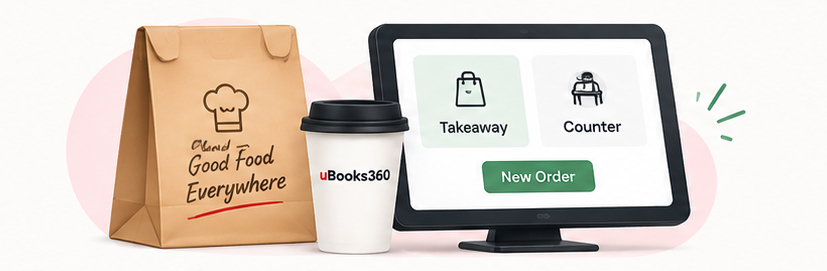
  • Takeaway-Counter-Billing

    Takeaway & Counter Billing

    Process takeaway and counter transactions through the same POS.
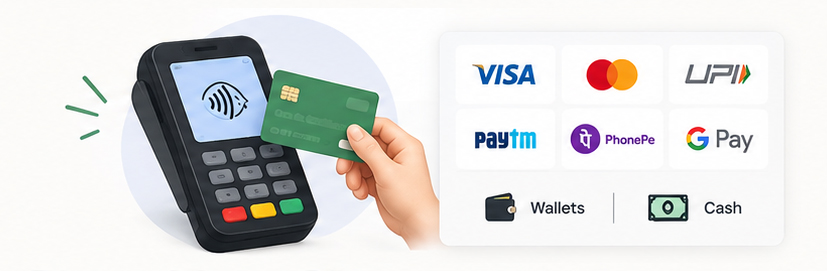
  • Multiple-Payment-Modes

    Multiple Payment Modes

    Process customer payments through supported payment methods.

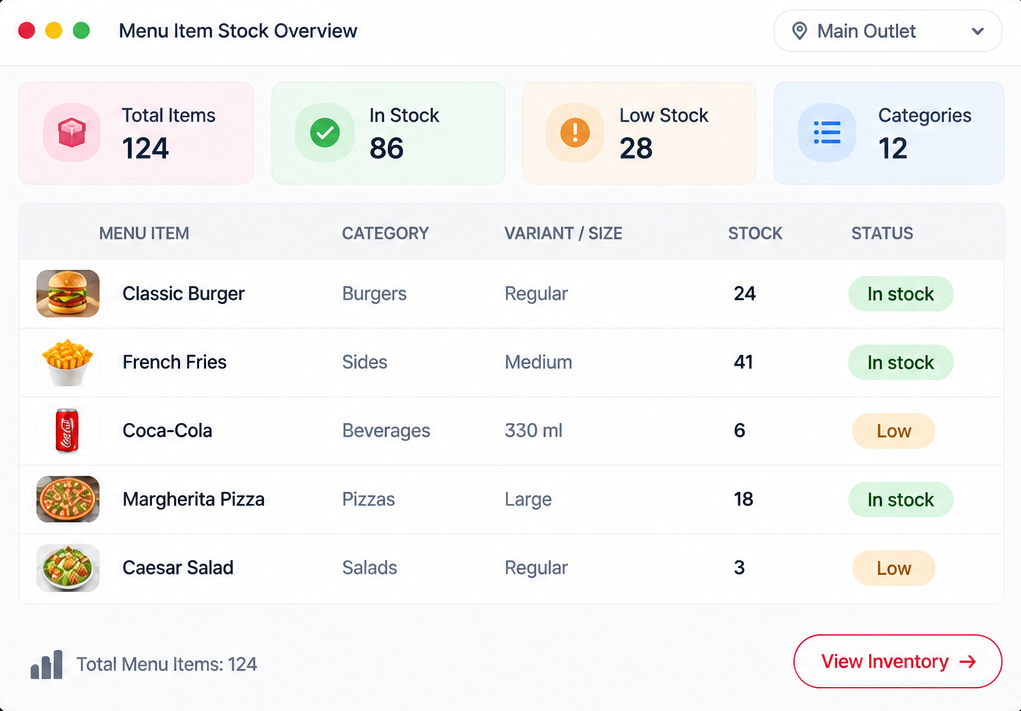
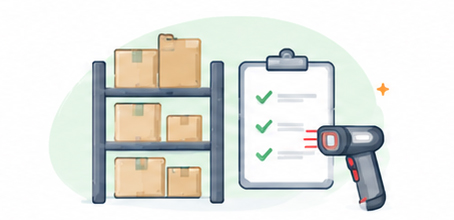
Know What You Have, What You Use and What You Need

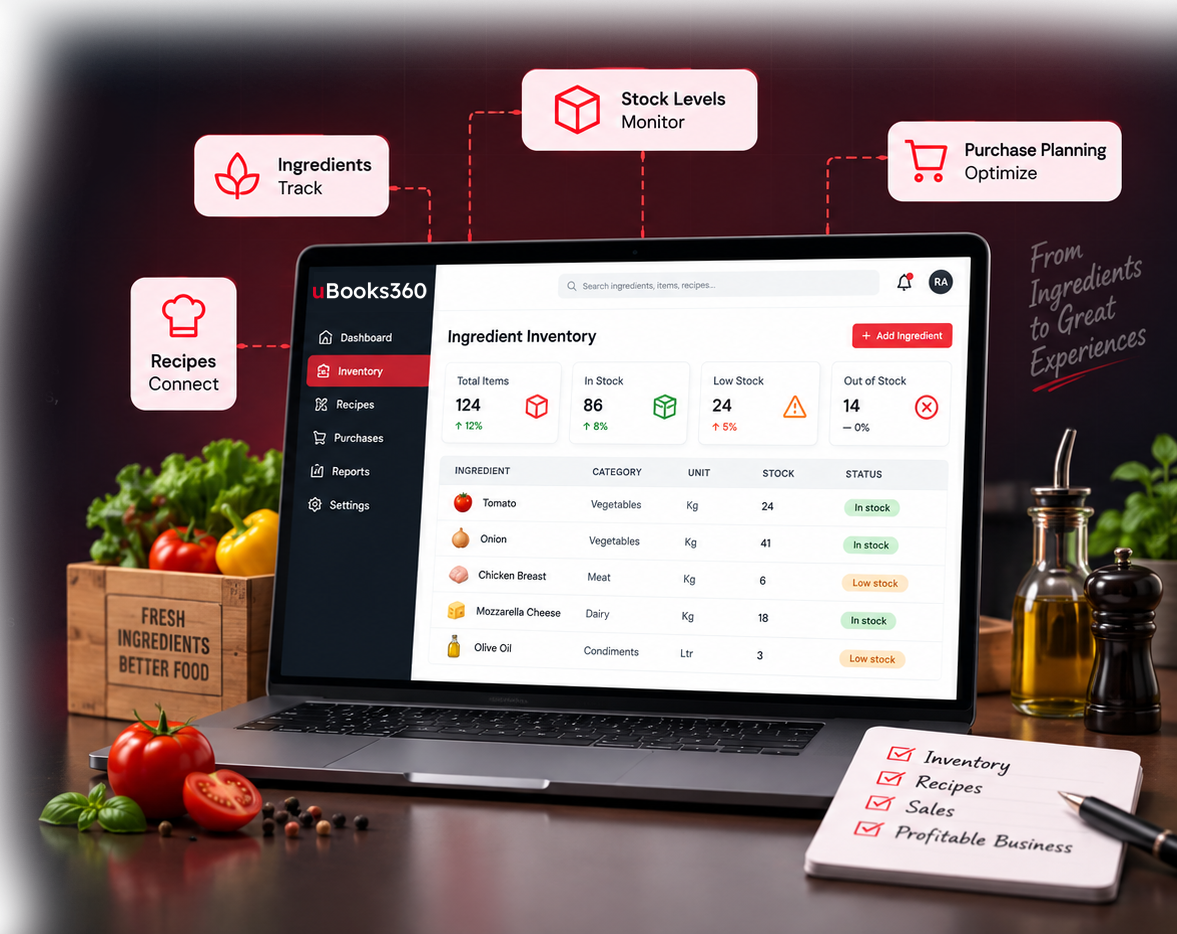
Restaurant inventory is different from conventional retail inventory. You are not simply selling products from stock. Ingredients are consumed as menu items are prepared and sold. uBooks360 connects recipes, ingredients, sales and inventory to give your team greater visibility into stock and consumption.

  • Manage Ingredients and Raw Materials: Track the ingredients and materials required to operate your restaurant.

  • Connect Recipes With Inventory: Define the ingredients associated with menu items and connect recipes with stock consumption.

  • Track Stock: Keep inventory information updated as restaurant sales and consumption occur.

  • Improve Purchase Planning: Use inventory information to understand what needs to be replenished and plan purchases more effectively.

  • Improve Food Cost Visibility: Connect recipes, ingredient usage and inventory information to improve visibility into food costs and COGS.

  • Control Inventory Waste: Better visibility into stock, consumption and purchasing can help your team identify potential wastage and improve inventory control.
Know-What

Connect Every Menu Item to the Ingredients Behind It

Your menu tells you what you sell. Your recipes tell you what it takes to make it. uBooks360 connects those two sides of your restaurant operation.
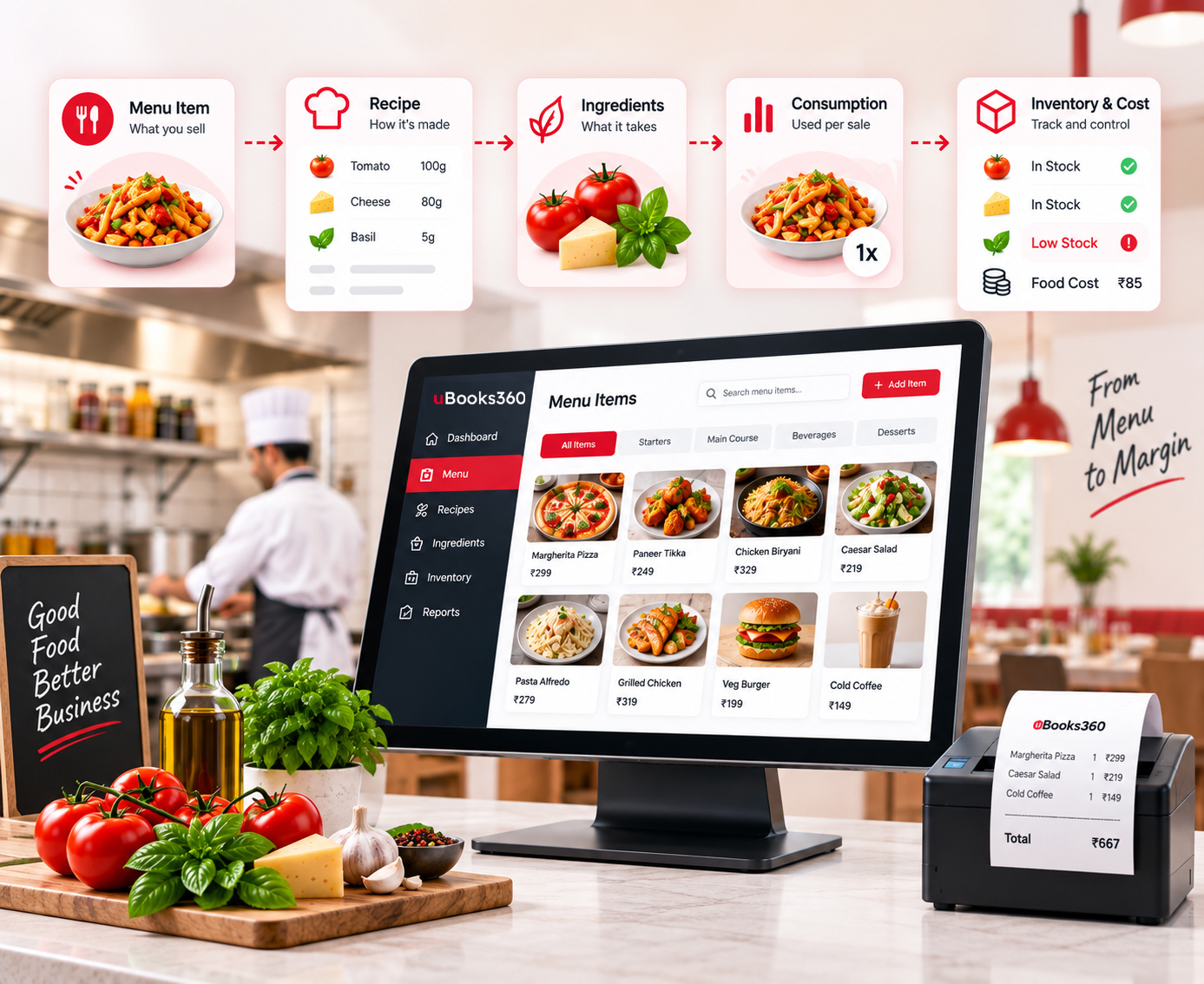
Menu Item → Recipe → Ingredients → Consumption → Inventory → Cost
  • Recipe Management: Maintain the ingredient structure behind your menu items.
  • Ingredient Consumption: Connect sales with recipe-based ingredient usage.
  • Inventory Visibility: Understand how sales affect available stock.
  • Cost Control: Use recipe and ingredient information to improve visibility into food costs and COGS.
Connect-Every-Menu-Item
Connect-Your-POS

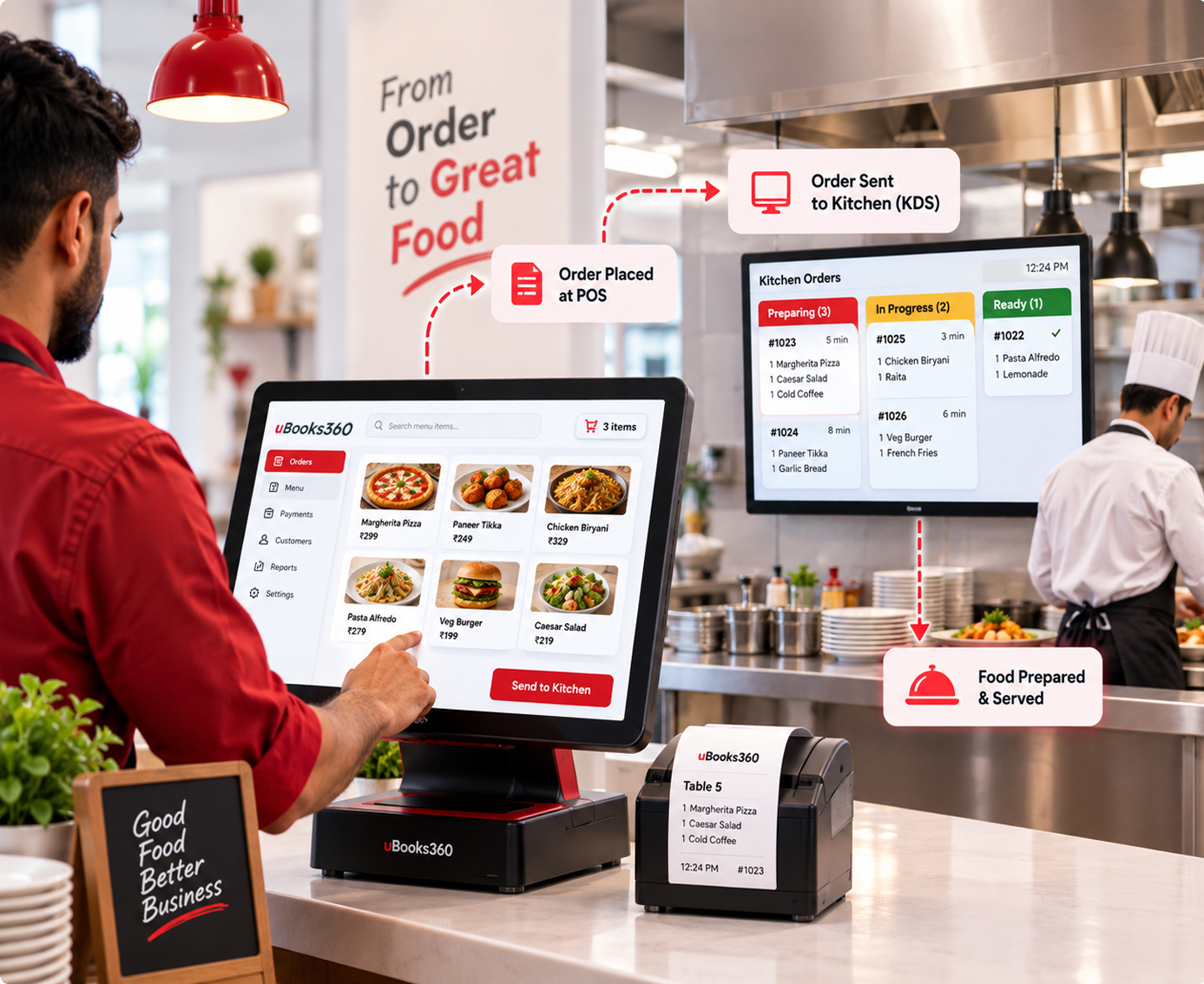
Connect Your POS With Your Kitchen

A restaurant order doesn't end when it is entered into the POS. It needs to reach the right kitchen team, be prepared correctly and move toward fulfilment without unnecessary delays. uBooks360 connects POS workflows with KDS-supported kitchen operations.

  • Send Orders to the Kitchen: Get order information to the kitchen through connected POS and KDS workflows.
  • Improve Order Accuracy: Give kitchen teams clear order information so preparation can follow what was ordered.
  • Support Faster Kitchen Workflows: Reduce unnecessary communication between the front counter and kitchen by connecting order information digitally.
  • Keep Orders Moving: Create a connected flow from order capture to preparation and fulfilment.

Bring Online and Offline Orders Into One Connected Operation

Customers don't always order from the same place. They may order at the restaurant, through your website or through delivery and pickup channels. uBooks360 helps connect online ordering with your restaurant's operational workflow.
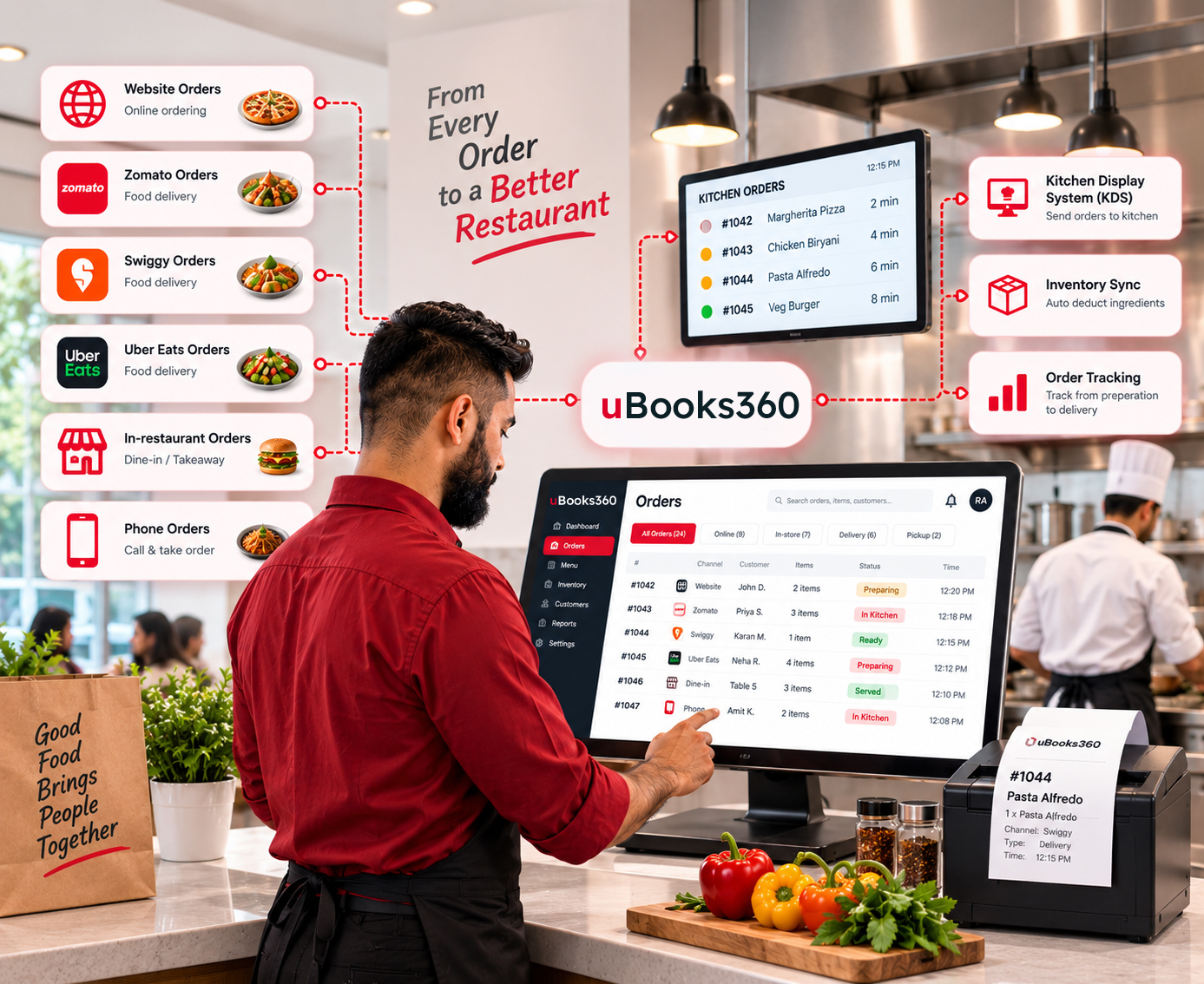
  • Accept Online Orders: Give customers a way to place orders online for delivery or pickup.
  • Connect With Restaurant Operations: Bring online order information into the wider restaurant workflow.
  • Keep Inventory Connected: Keep relevant inventory information connected across your operations.
  • Track Online Orders: Maintain visibility over orders throughout the fulfilment process.
  • Reduce Operational Confusion: Bring online and offline order management closer together instead of handling them as completely separate workflows.
Bring-Online-and-Offline-Orders

One POS for Every Type of Order

Whether customers are sitting at a table, picking up an order or ordering at the counter, your team needs one consistent way to manage transactions.

Dine-In
Dine-In

Manage restaurant orders and billing for customers dining at your outlet.

Takeaway
Takeaway

Process takeaway orders quickly from the same POS environment.

Counter-Orders-2
Counter Orders

Keep counter ordering and billing simple during high-volume service.

Online-Orders
Online Orders

Connect online ordering with your restaurant's broader operational workflow.

Everything You Need to Run and Grow Your Restaurant.

Powerful Restaurant Features

Everything you need to manage day-to-day restaurant operations.
High-Speed-POS-Billing
High-Speed POS Billing
Restaurant-Billing
Restaurant Billing
GST-Billing-2
GST Billing
Dine-In-Order-Management
Dine-In Order Management
Takeaway-Order-Management
Takeaway Order Management
Counter-Orders
Counter Orders
Kitchen-Display-System-Integration
Kitchen Display System Integration
Recipe-Ingredient-Management
Recipe & Ingredient Management
Inventory-Tracking
Inventory Tracking
Purchase-Planning
Purchase Planning
Food-Cost-COGS
Food Cost & COGS Visibility
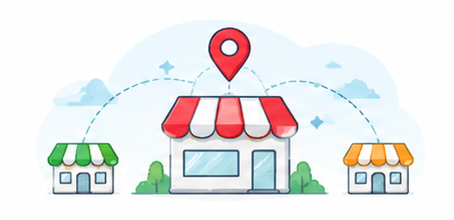
Multi-Outlet-Management
Multi-Outlet Management
Menu-Management
Menu Management
Combo-Management
Combo Management
Discount-Offer
Discount & Offer Management
Customer-Management
Customer Management
Loyalty-Management
Loyalty Management
Sales-Reporting
Sales Reporting
Business-Analytics
Business Analytics
Role-Based-Access-Control
Role-Based Access Control

One Connected Platform Across Different Food Businesses

  • Restaurants: Manage dine-in, takeaway, billing, inventory, kitchen operations and online orders from a connected platform.

  • QSRs: Support high-volume ordering with fast POS billing, kitchen workflows, inventory and reporting.

  • Cafe's: Manage counter sales, takeaway, inventory, menu items and customer transactions through connected restaurant software.

  • Cloud Kitchens: Connect online orders, kitchen operations, inventory and business management through connected workflows.

  • Restaurant Chains: Bring multiple outlets, inventory, sales and business reporting together for centralized visibility.

One-Connected-Platform-table

More Than a Restaurant POS

A POS can help you take orders and generate bills. But running a growing restaurant business requires more than billing. You need to connect what happens at the counter with what happens in the kitchen, inventory room, purchasing process, online store and management dashboard.

That's where uBooks360 takes a broader approach.

  • ERP-POS-Ecommerce

    ERP + POS + Ecommerce

    Connect front-of-house transactions with back-office business management and online commerce.

  • Connected-Inventory

    Connected Inventory

    Link restaurant sales, recipes, ingredients and stock information.

  • Connected-Business-Data-2

    Connected Order Operations

    Bring different order types into connected restaurant workflows.

  • Connected-Business-Data

    Connected Business Data

    Give owners and managers greater visibility into sales, inventory and operational performance.

  • Designed-to-Scale

    Designed to Scale

    Support your restaurant as you move from managing daily transactions to managing a growing multi-outlet business. Your restaurant has one business.

Your software should work as one connected system.

From Setup to Daily Operations, Get Your Restaurant Connected

  1. 1

    Set Up Your Menu & Inventorye

    Configure menu items, recipes, ingredients, pricing and relevant inventory information.

  2. 2

    Start Taking Orders

    Use POS for dine-in, takeaway and counter orders while connecting online ordering for digital sales.

  3. 3

    Run Daily Operations

    Manage orders, billing, kitchen workflows, inventory and restaurant operations through connected systems.

  4. 4

    Analyze & Optimize

    Use reports and business insights to understand performance and improve your operations.

Built for Restaurants That Want More Than Basic Billing

If your restaurant only needs a simple billing solution, a basic POS may be enough. But as your operation grows, you may need to connect:

Built-for-Restaurants
Billing
Billing
Orders
Orders
Kitchen
Kitchen
Inventory
Inventory
Recipes
Recipes
Procurement
Procurement
Online-ordering
Online ordering
Customers
Customers
Multiple-outlets
Multiple outlets
Business-reporting
Business reporting

uBooks360 brings these operational areas together through ERP, POS and Ecommerce. If you are looking for restaurant management software that goes beyond billing, uBooks360 is built to help you connect your operations.

Run Your Restaurant on One Connected Platform

Connect POS, billing, inventory, recipes, kitchen operations, online ordering and business management with uBooks360. Spend less time managing disconnected systems and more time running and growing your restaurant.

FAQ

Frequently Asked Questions About Restaurant POS Software

What is restaurant management software?
Restaurant management software helps restaurants manage day-to-day operations such as orders, billing, inventory, recipes, kitchen workflows, customers, online ordering and business reporting through connected digital systems.
What is the difference between restaurant POS software and restaurant management software?
Restaurant POS software primarily handles ordering, billing and sales transactions. Restaurant management software can cover a broader range of operations, including inventory, recipes, procurement, kitchen workflows, online ordering, customer management and analytics. uBooks360 combines ERP, POS and Ecommerce to connect these areas.
What does uBooks360 Food & Restaurants include?
uBooks360 Food & Restaurants brings together ERP, POS and Ecommerce capabilities for restaurant operations, including billing, order management, inventory, recipe management, kitchen/KDS integration, online ordering, customer management, multi-outlet management and reporting.
Can uBooks360 manage restaurant inventory?
Yes. uBooks360 supports restaurant inventory management, including ingredients, raw materials, stock tracking and recipe-based consumption.
Does uBooks360 support recipe management?
Yes. Recipe and ingredient management are part of the Food & Restaurants solution. Recipes can be connected with ingredient consumption and inventory management.
Can uBooks360 help manage food costs?
uBooks360 connects recipes, ingredients, inventory and consumption information to improve visibility into food costs and COGS.
Does uBooks360 support restaurant billing?
Yes. uPOS supports restaurant billing for dine-in, takeaway and counter orders, with GST billing support.
Does uBooks360 support kitchen operations?
Yes. uBooks360 supports KDS integration so restaurant order information can connect from POS to kitchen workflows.
Can uBooks360 manage online restaurant orders?
Yes. uBooks360 Ecommerce supports online ordering and connects online ordering with restaurant operations.

Can uBooks360 manage multiple restaurant outlets?
Yes. uBooks360 supports multi-outlet restaurant management, helping businesses manage and monitor operations across multiple locations.
Is uBooks360 suitable for QSRs?
Yes. The platform supports QSR-oriented workflows including fast POS billing, order management, kitchen/KDS integration, inventory and reporting.
Is uBooks360 suitable for cafe's?
Yes. Cafe's can use restaurant POS, billing, inventory, menu, customer and order-management capabilities as part of the connected platform.
Is uBooks360 suitable for cloud kitchens?
Yes. Cloud kitchens can use connected POS, online ordering, kitchen and inventory workflows to manage their operations.
How can I see uBooks360 for my restaurant?
Book a demo with the uBooks360 team to see how the platform can fit your restaurant's specific operations.